04 / HUMAN CONNECTIONS
Say hello.
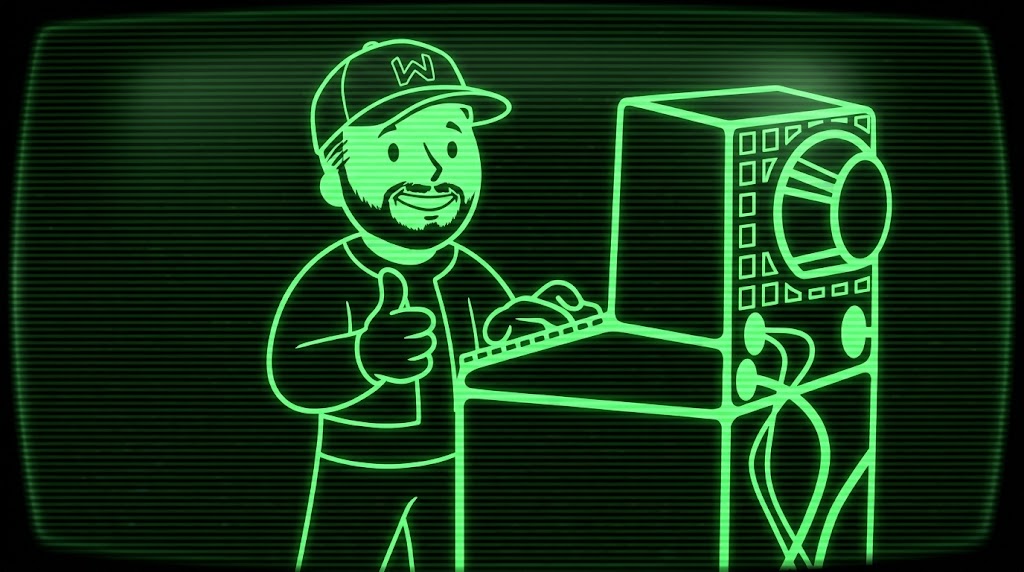
I’m Patrick.
Working on a similar problem? Send me the note you’re responding to, a little context, and what you’re trying to figure out.
LET’S TALK
What are you working on?
A production-data problem, an integration that keeps breaking, or a team decision you’re weighing up. I’m interested in the details.
Scheduling opens soon. The calendar is not connected yet. FOLLOW THE NOTEBOOK
Field notes. In your inbox.
Get new notes on industrial software, development, and leading teams when they’re published.
Email subscriptions are not open yet. No addresses are collected here until the newsletter is connected.
Booking is handled by the connected calendar provider. Email signup is handled by the connected newsletter provider. This site does not store your email address or calendar details.